

Dozens of Belgian stores have had their fridges tampered with remotely. That raises some worrying questions about smart home security. Here’s a closer look at what happened and what it means for your home.
Temperatures changed remotely
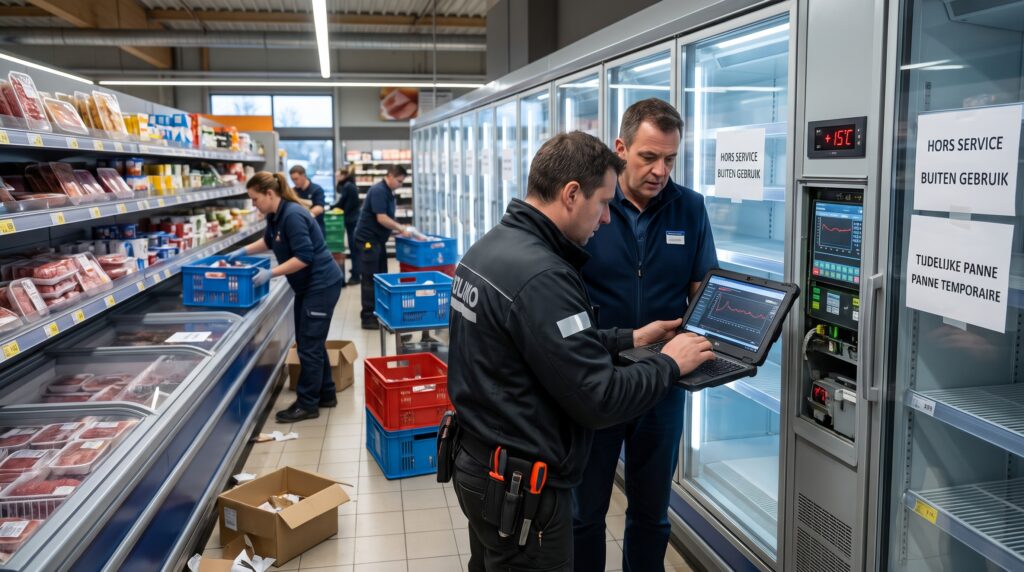
Overnight from November 1 to 2, refrigeration systems at dozens of Belgian stores were disrupted. Settings were changed remotely and, in some cases, defrost mode was activated, pushing up temperatures in fridges and freezers. Delhaize reported around 40 stores affected and Carrefour 15, while other retailers were also hit. The federal prosecutor’s office (parquet fédéral) has opened an investigation.
Without getting into the technical details, the fridge was not “infected” like a computer. Instead, its connected control system provided the entry point.
What does this mean for smart home security?
Home devices such as your Wi-Fi fridge, thermostat or camera do use different software and system architecture. But the same principle applies: the more a home device can be controlled remotely, the more you need to secure the digital access point. So yes, a connected home can be vulnerable to hackers.
Connected homes now have a growing range of networked equipment: cameras, locks, heating systems, batteries, robots and intercoms. We recently explored the benefits of keeping home videos and data locally rather than in the cloud and the risks when third-party AI systems can take control of certain household devices. The supermarket incident shows that these concerns are no longer theoretical. Still, there’s no need to panic, throw all that technology away and replace it with hefty medieval bolts just yet.
4 habits to help secure your smart home devices
First: install updates when they become available. And think carefully about any connected device that its manufacturer no longer supports, especially if it controls sensitive equipment. In that case, the lack of support is a serious warning sign.
Second: use unique passwords and enable stronger authentication whenever it is available.
Third: wherever possible, try to use protected connections such as a VPN.
Finally, protect the router itself. The simplest way to find out how to secure your home Wi-Fi router is to ask AI once you’re in front of it. The process can vary quite a bit depending on your provider and router model.
Lifespan becomes a buying consideration
Pay particular attention to the gap between an appliance’s physical lifespan and that of its software. A boiler, fridge or ventilation system can remain in service for fifteen years or more. Check whether its app, cloud server or security updates will last as long. This should become as routine a check as the warranty or electricity consumption.
 Open Immovlan